Skip to the tour

Your company,
with the lights on.

HQ is the office your team works in when it isn’t in one. See who’s in, knock on a door to talk, meet in rooms that keep their notes, and do the rest of the day’s work in the same window.

Written on servers HQ runs. No AI company’s service hears your meetings.

Step 1 of 4

See who’s in

Everyone has a room on the floor. A green light means come in, purple means heads down, red means in a call. Your calendar sets it for you, so the floor is right without anyone touching it.

  • Statuses and focus time
  • Calendar-driven presence
  • Floors for every team
Step 2 of 4

Knock

Knock on a door and they hear it wherever they are in HQ, on their phone too. They let you in, or say when they’re free. A knock nobody answered tells them so afterwards.

  • Knocks with sound and push
  • Do not disturb that holds
  • Ask people to join without a link

Step 3 of 4

Talk

Opening the door starts the call. Up to 4K video, a screen share that takes everyone’s stage the moment it starts, backgrounds, captions, and your phone as a second camera. Anyone in the room can bring a guest in with a link.

  • Up to 4K, adaptive
  • Guests, passcodes and a waiting room
  • Phone as camera, 1080p

Step 4 of 4

Keep it

Turn on auto-record and every conversation is transcribed, written up as notes with decisions and action items, and every line links back to the moment it was said. Action items become tasks. Recordings can land in Google Drive.

  • Transcripts with speakers
  • Notes with citations
  • Action items become tasks

Video calls, notes, tasks and webinars, without four separate apps.

One sign-in and one sidebar instead of a chat app, a task app, a scheduler and a whiteboard that don’t know about each other.

Home, the first screen of the day: who’s around, what’s live, and the way into each.

In the room

Video up to 4K
Auto picks the best your camera can do and steps down when the connection can’t keep up.
Screen share
Takes everyone’s stage the moment it starts. An upright phone is shown upright.
Guests
A link, a passcode if you want one, and a waiting room anyone in the room can admit from.
Phone as camera
Scan a code and your phone becomes a second angle at 1080p, or 4K when you ask for it.
Studio recording
Each person is recorded in their own file, from their own device. Uploads survive a closed tab.
Backgrounds
Blur or replace what’s behind you, worked out on your device, not on a server.
Webinars
Present to a crowd that registers, watches without joining the call, and sends questions in. The server keeps the count, so it holds up at any size.

The rest of the day

Tasks
Smart lists and quick add in plain words. Action items from your meetings arrive with an owner and a due date.
Chats
Channels, direct messages and threads, with files, search, mentions and reactions. Written in markdown, read like a workspace.
Scheduling
Schedule for later, repeat on any rule, and it goes on everyone’s calendar. Each meeting opens on its notes and its longest recording.
Booking pages
Your own page where anyone can pick a time from your real availability. It ends in an HQ meeting, not a link to another app.
Whiteboards
Draw together in a call, with a timer, presenting and dot votes. The board is still there after everyone hangs up.
Music Room
Listen together from YouTube or Spotify. Play, pause and volume are yours; the room’s queue keeps going without you.
Profiles
A page at your own handle you can send to anybody, with your links, your office and your board.

Ask anything your team has already said.

Press ⌘K and ask in plain words. HQ answers from meeting notes, transcripts, chats and tasks you’re already allowed to see, and every sentence carries a chip that opens where it came from.

It’s answered by an open-source model on servers HQ runs, never by an outside AI service, and it only draws on what your team actually wrote or said.

Ask

Answers come from meetings, chats and tasks you can already see.

  • 1Product reviewNotes, Tuesday at 14:32
  • 2Maria in #launchMessage, yesterday
  • 3Rewrite pricing copyTask for Luke, due Friday

The Game Room

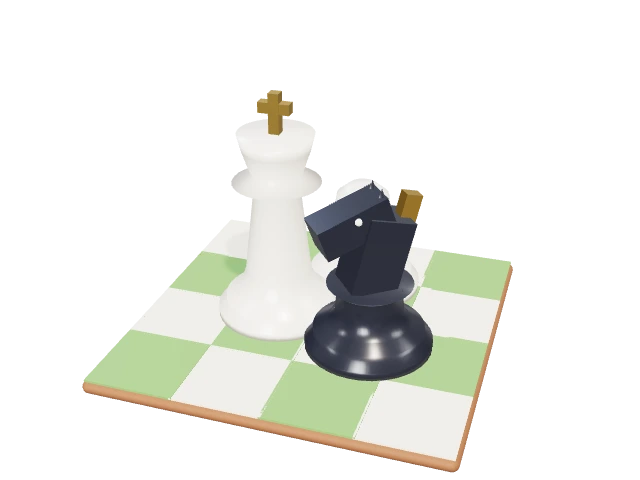
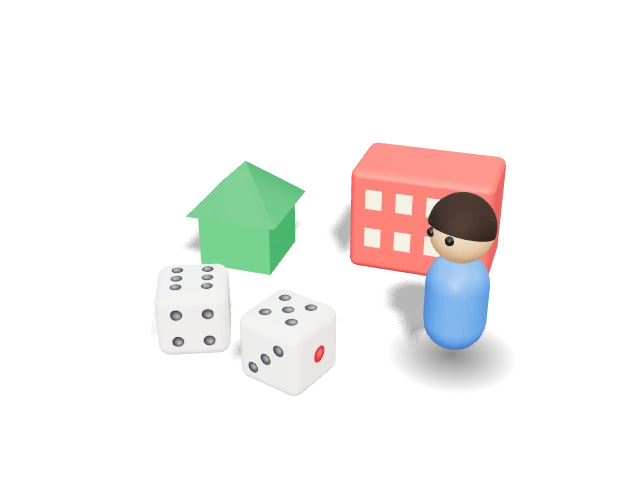
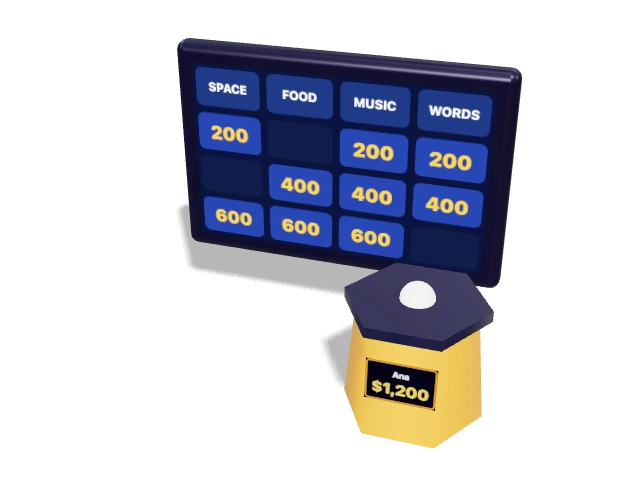
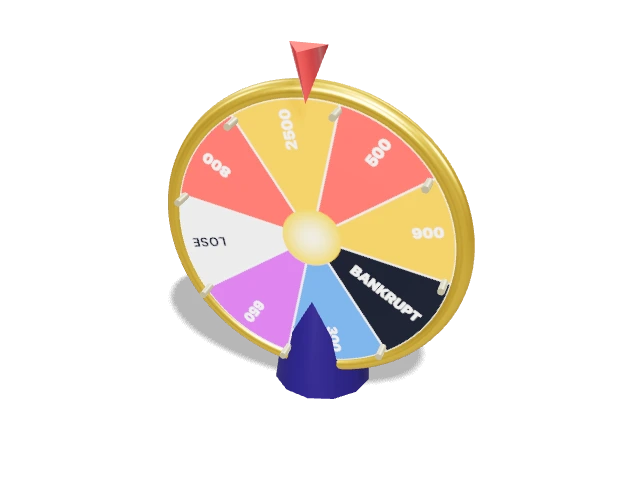
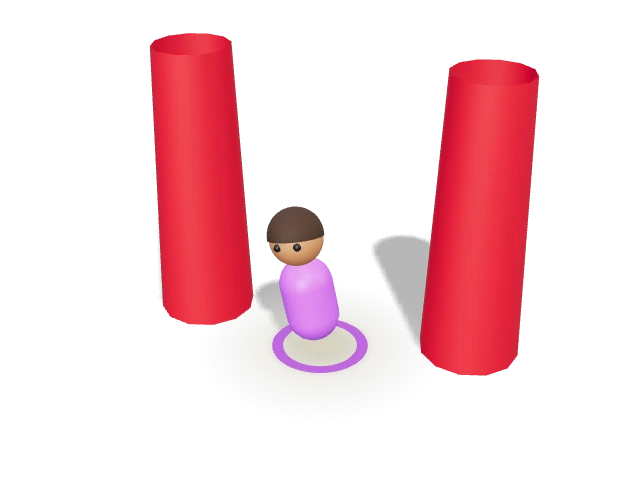
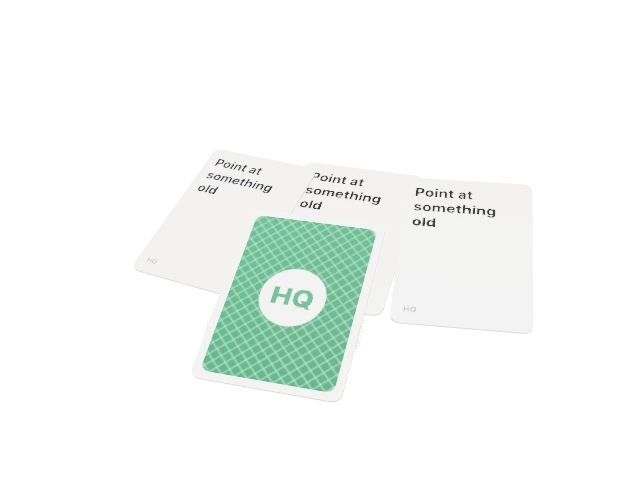
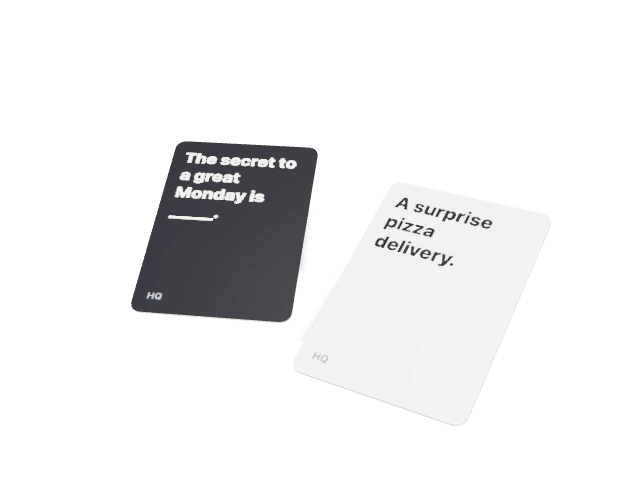
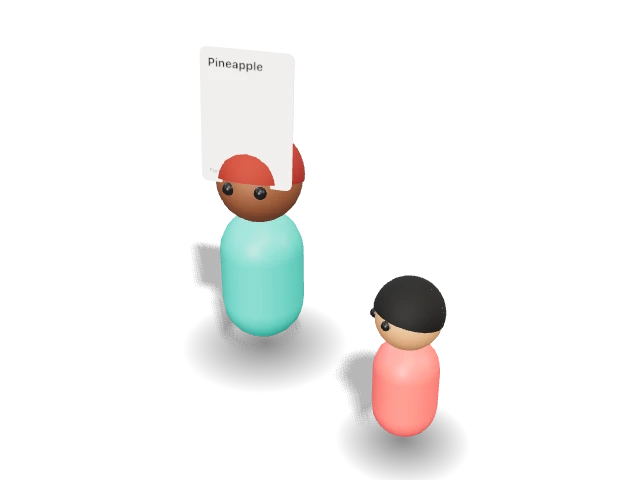
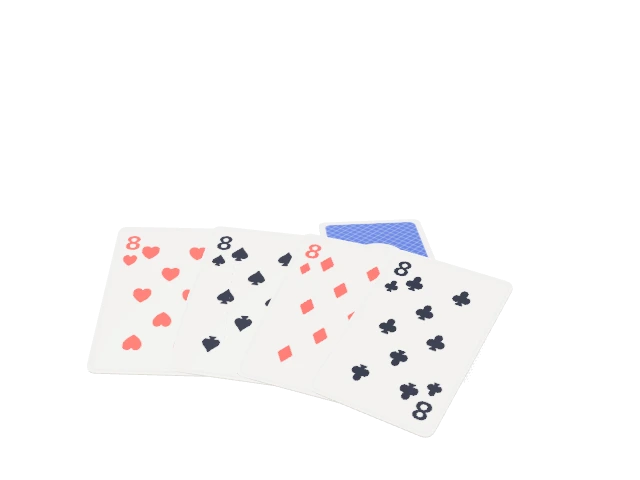
Twenty-one games drawn in 3D, for the end of the week or the start of a call. Play at the table with the people in your room, or on your own against robots that only ever see what your seat would see.

  • Blackjack
  • Texas Hold’em
  • Chess
  • Property Tycoon
  • Quiz Board
  • Spin and Solve
  • Overtime
  • Word Grid
  • Fleet Hunt
  • Draw and Guess
  • Act It Out
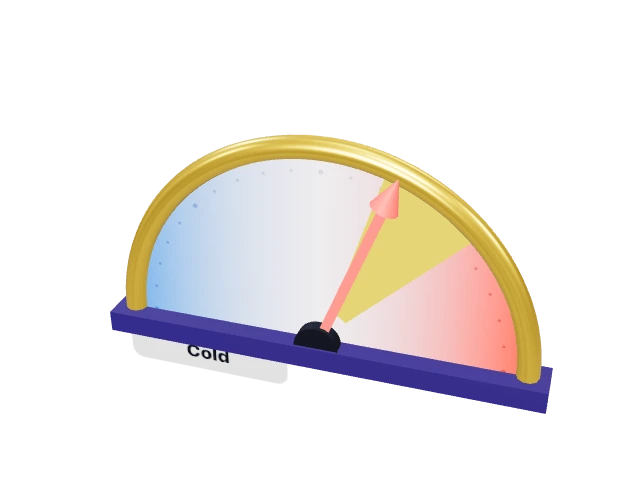
  • Spectrum
  • Bluff
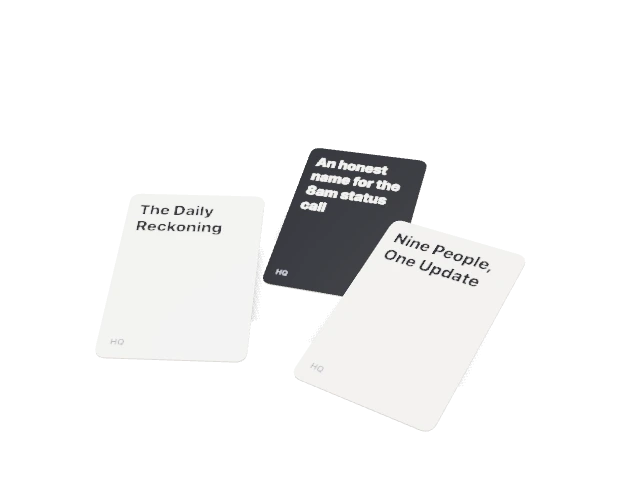
  • Punch Line
  • Odd One In
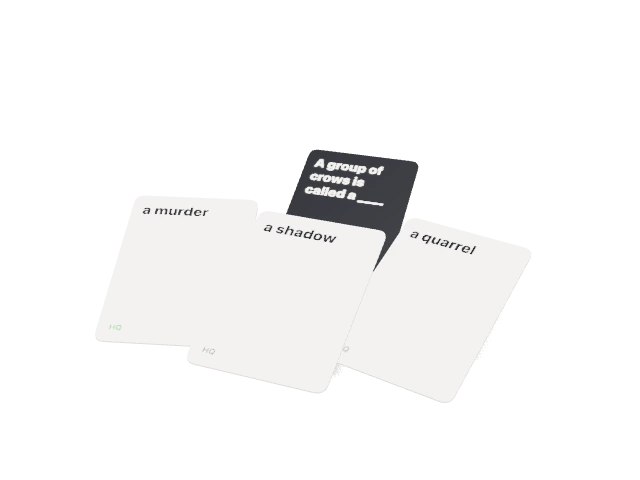
  • Fill in the Blank
  • Forehead
  • Last Standing
  • Crazy Eights
  • Bingo
  • Twenty Questions

How HQ is built.

Open-source models, your own Drive, and sign-in you can see into. How HQ uses your content is set out in the Privacy policy and the Terms.

  • No AI company’s service

    Transcripts, notes and answers are written by open-source models on servers HQ runs or rents. Your meetings aren’t sent to an AI company’s product.

  • Recordings in your own Drive

    A finished recording goes to the host’s Google Drive when one is connected, in a folder for the meeting, with each person’s own file beside it.

  • Answers only from what you can see

    Ask HQ searches only the meetings, chats and tasks each person already has access to, and shows where every line came from.

  • Sign-in that holds

    Passkeys, Google sign-in, and a list of every session you can end. Calendar and Drive access is stored encrypted.

Turn the lights on.

Tell us about your team, and we’ll get your floor ready.